
A bike computer is usually better for frequent rides, dedicated navigation, and easy-to-read ride data. A phone is often enough for casual trips, especially when you already use mapping apps and want to avoid carrying another device. Your route needs, battery plan, weather exposure, and budget should decide which setup fits.
This choice matters most when you navigate unfamiliar roads, track training, or ride far from places to recharge. Before relying on either device, check its mounting instructions, weather limits, and visibility in your riding conditions.
The Short Answer
- Choose a bike computer if you ride regularly and want dedicated ride data, controls, and navigation.
- Choose a phone if you take occasional rides and want familiar maps without buying another screen.
- Choose a bike computer if you want to keep your phone stored away and conserve its battery.
- Choose a phone if your routes are simple and you can protect, mount, and charge it reliably.
Side-by-Side Comparison
A bike computer prioritizes cycling functions, while a phone brings general-purpose apps to your handlebars. Differences in setup, navigation, battery management, and durability determine which option feels easier on your usual rides.
| Characteristic | Bike computer | Phone |
|---|---|---|
| How it works | Dedicated cycling device records ride data and may provide navigation. | Mapping or fitness app uses phone sensors and connected services. |
| Setup | Mount device, configure ride screens, and pair compatible sensors if needed. | Install an app, mount phone, and set display and location permissions. |
| Maintenance | Charge device, update software, and keep mount contacts clean. | Manage app access, phone storage, battery, and weather protection. |
| Compatibility | Sensor and accessory support varies by device and connection standard. | App options depend on phone operating system and available connections. |
| Bulk and exposure | Small dedicated screen, with phone kept elsewhere if desired. | Larger screen on bars; exposed phone needs a secure mount and protection. |
| Cost and typical rider | Usually costs more upfront; suits regular riders seeking cycling-focused tools. | Can use a phone you already own; suits casual riders and simple routes. |
When a Bike Computer Makes Sense
A bike computer makes sense when cycling is a regular part of your routine and you want ride information visible without opening a phone app. Many models show speed, distance, elapsed time, and other fields while keeping the interface focused on riding.
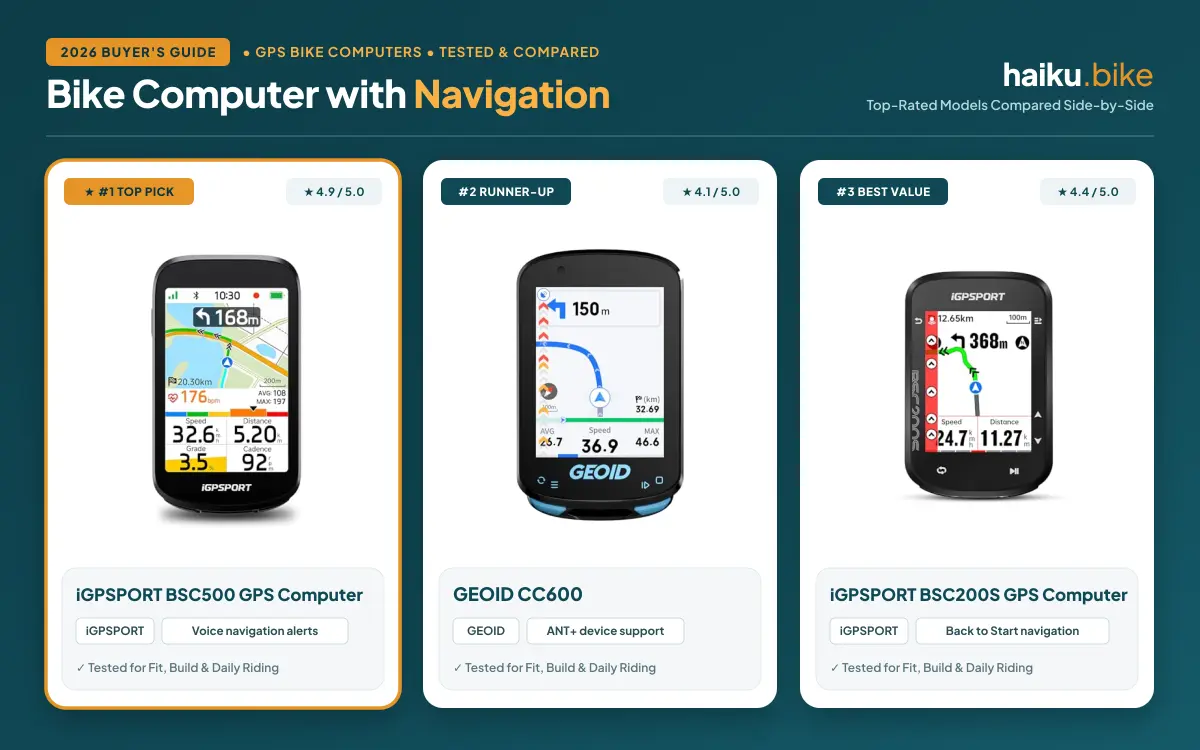
A dedicated unit can also help when you follow routes often. Some models provide turn prompts, route recording, and downloadable maps, though navigation features differ. Check whether a device includes the mapping detail and route planning you need before choosing it.
Dedicated devices can reduce phone battery use and keep your main communication device stored away. That separation may suit long outings, group rides, or training sessions where you want a steady view of cycling data.
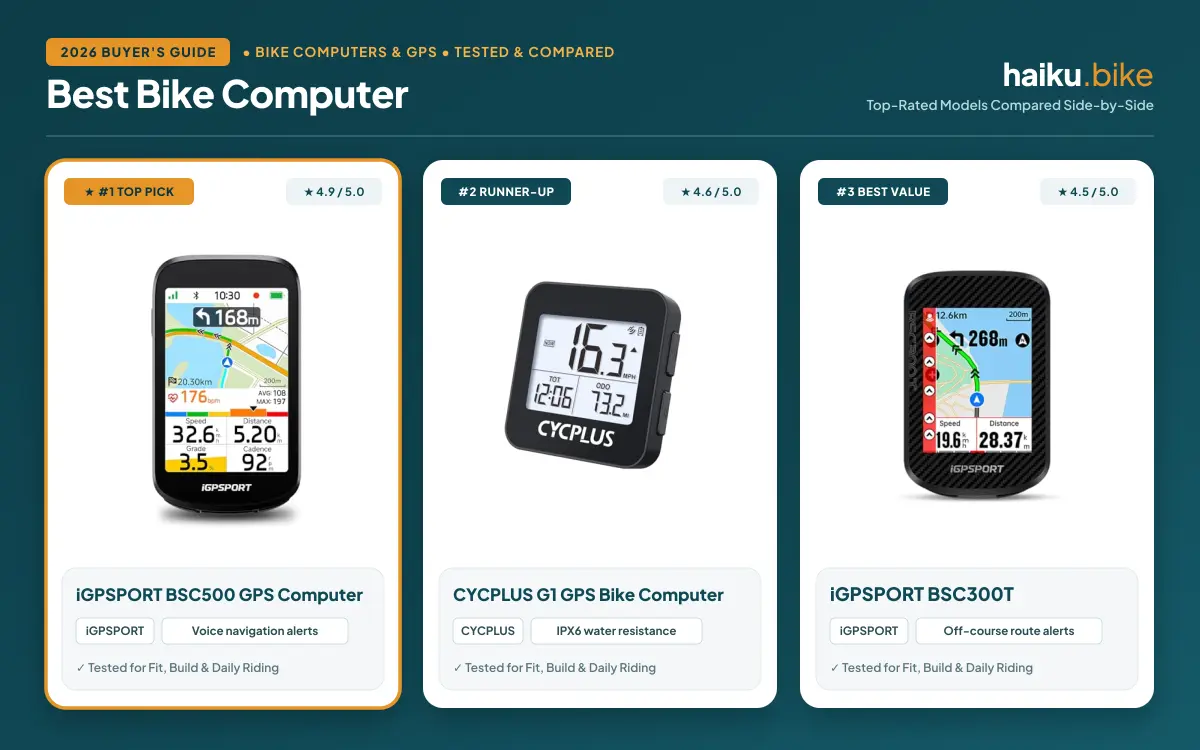
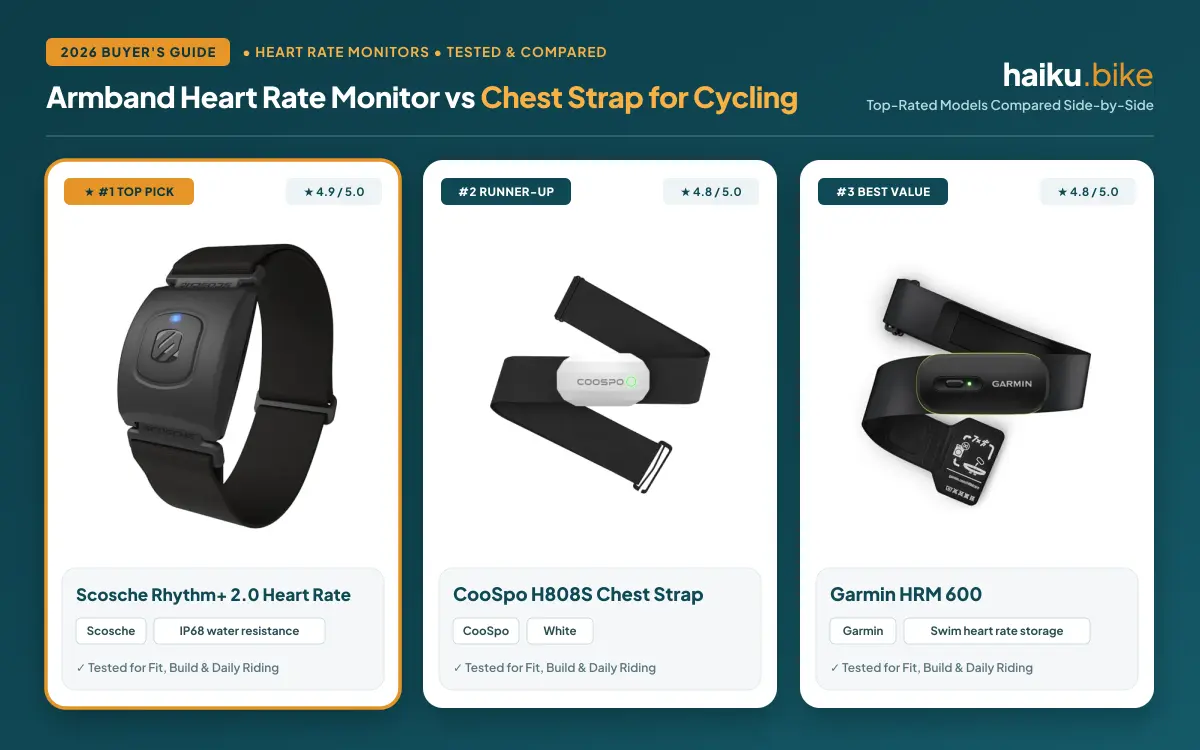
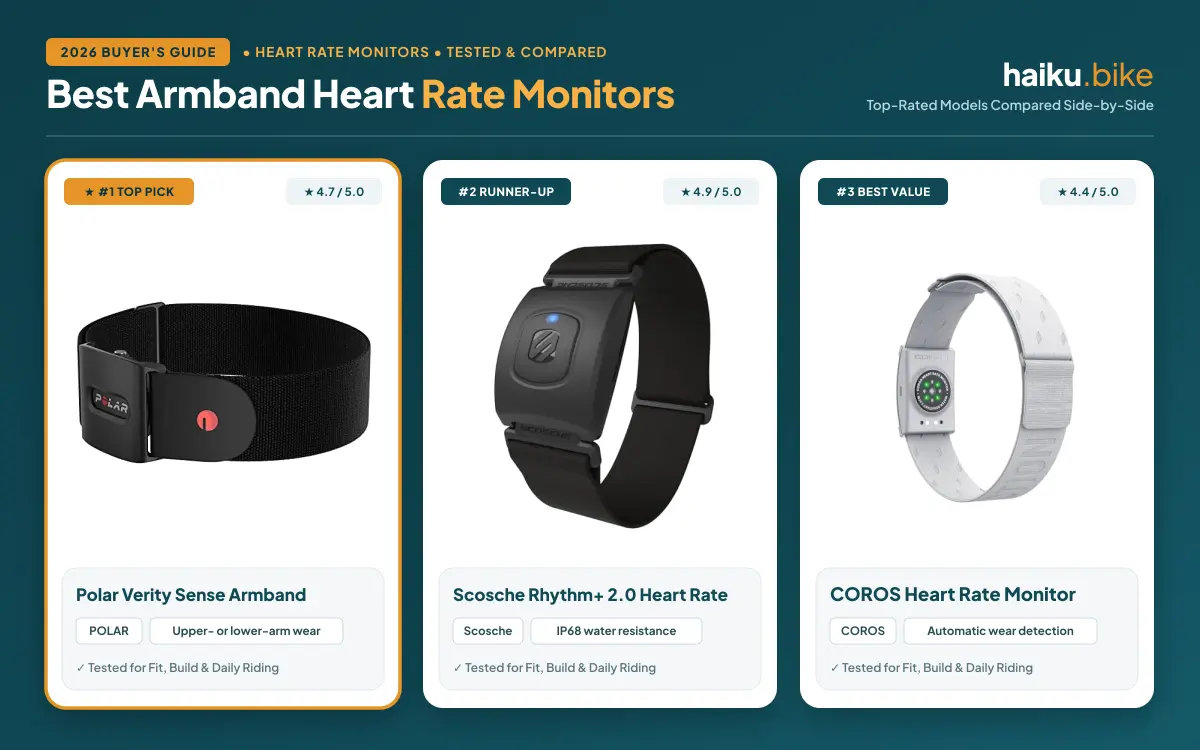
Compatibility deserves a close look if you already own sensors. Heart rate monitors and other accessories may use Bluetooth or ANT+, but support varies by computer and sensor. Compare connection standards before buying; our guide to armband heart rate monitors explains one common sensor option.
Cost is the main drawback if you ride occasionally or need only basic directions. A dedicated device also adds another item to charge, update, mount, and carry between rides.
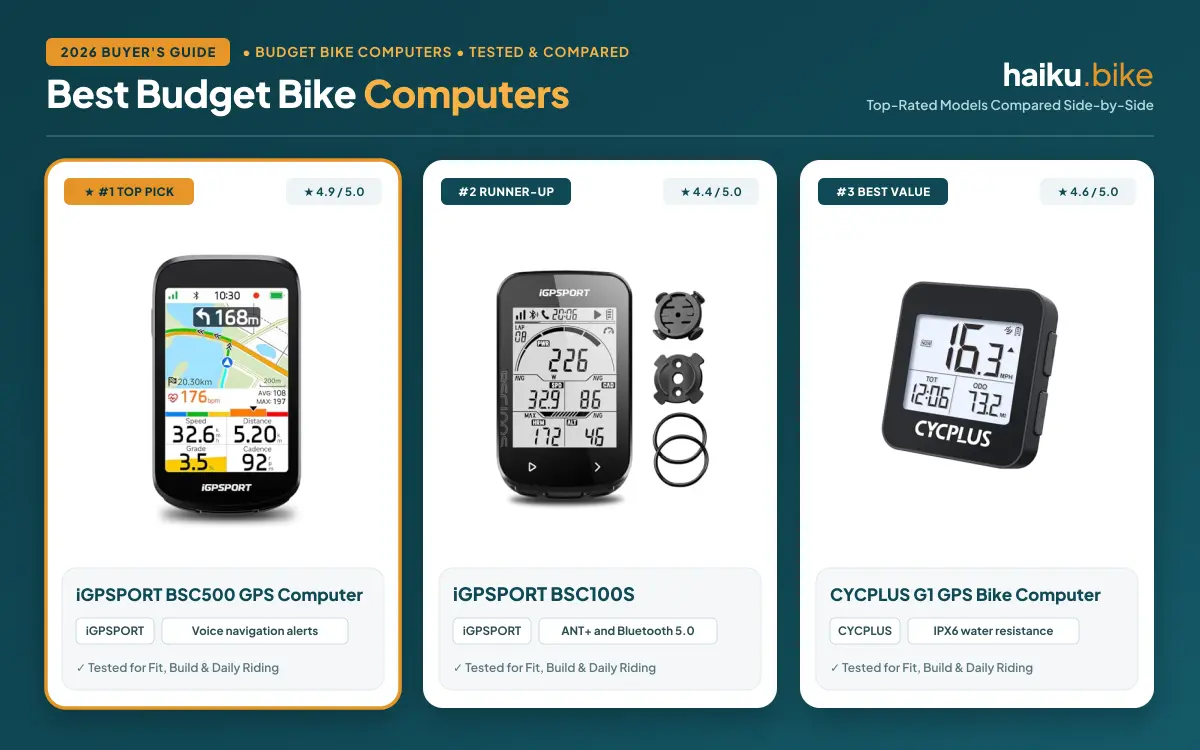
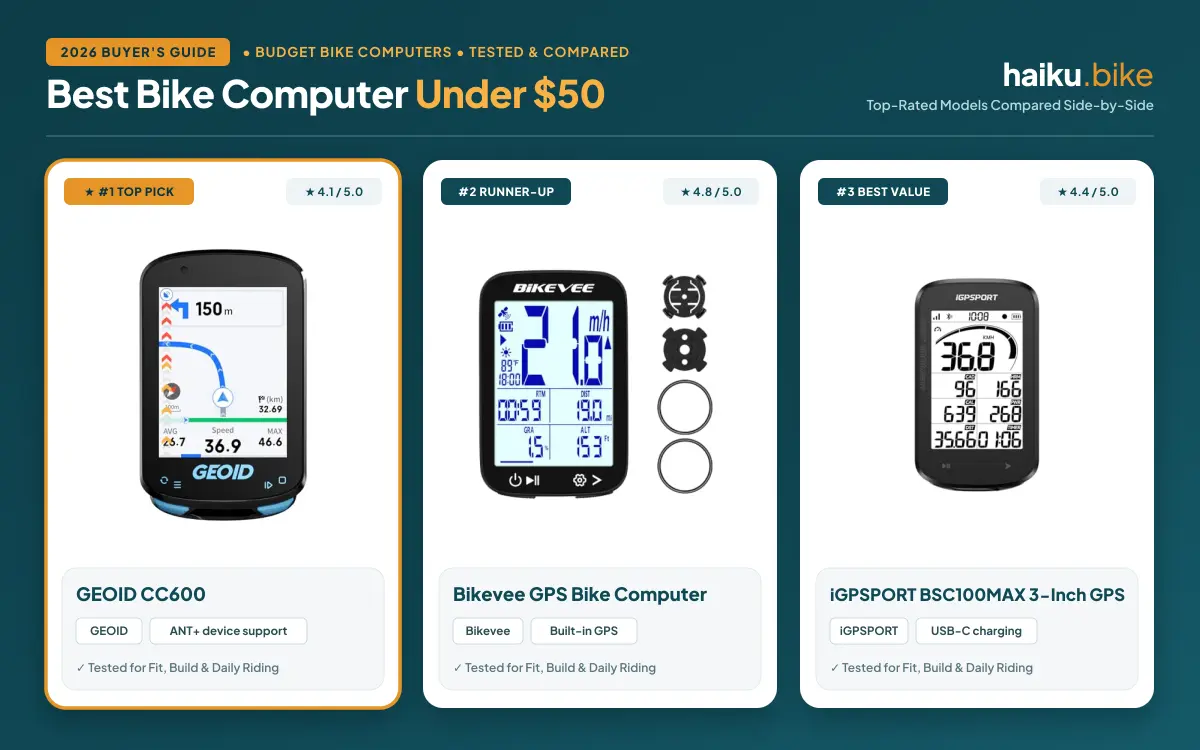
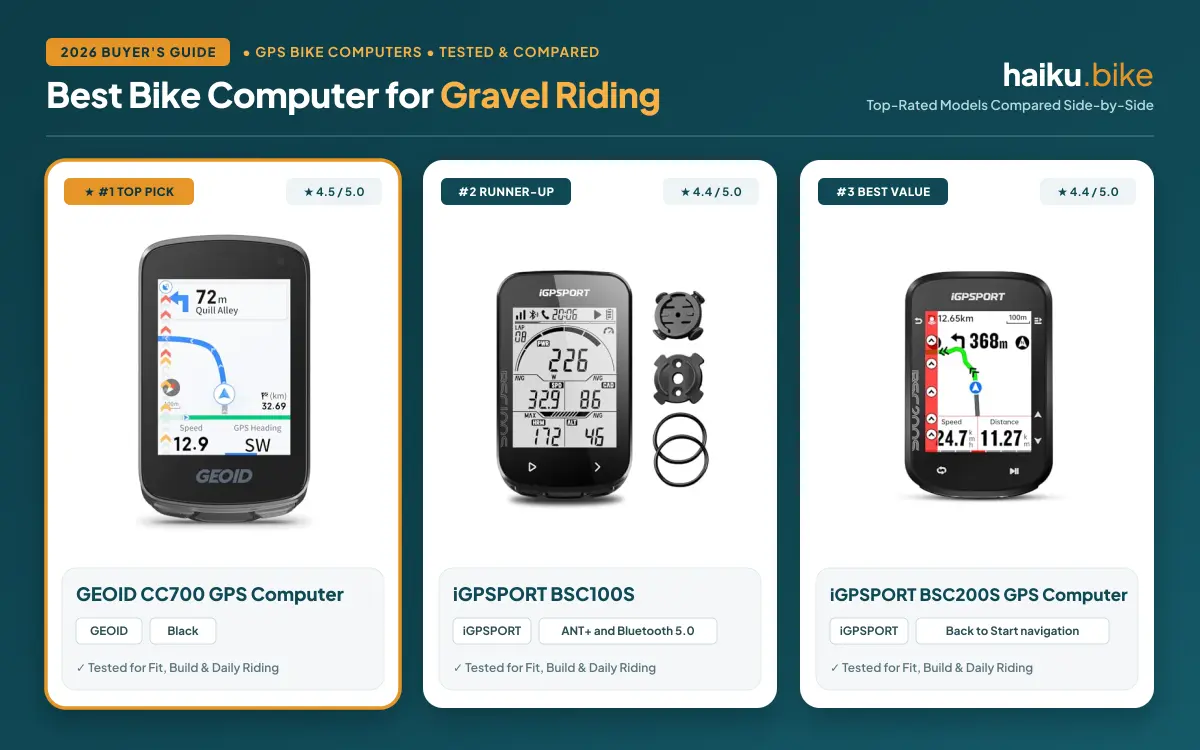
For a lower-cost dedicated setup, compare the features in our bike computer guide for budget options. Riders planning unpaved routes can also review our guide to bike computers for gravel riding.
When a Phone Makes Sense
A phone makes sense when you ride occasionally, follow familiar streets, or want a single device for maps and ride recording. You may already know your mapping app, account settings, and saved locations, which can make getting started straightforward.
Phone screens are often larger than bike computer screens, which can make maps easier to inspect while stopped. A phone can also switch between navigation, messages, and other apps, although handling those features while moving can distract you.
Battery use is an important limitation. Navigation, screen brightness, location services, and mobile data can drain a phone faster than ordinary use. Start rides with adequate charge, download maps when your app supports offline access, and carry a suitable charging plan for longer outings.
Mounting and weather protection need attention because the phone sits exposed on your handlebars. Use a mount designed for your phone and bike, follow its installation instructions, and check that the case or cover allows the screen and controls to work.
A phone may be the less practical choice on rough routes or in poor weather if its mount, protection, or app has limits. If you rely on turn-by-turn directions, confirm the route downloads and remains available where mobile service is weak.
Switching From One to the Other
Switching from a phone to a bike computer usually means choosing a mount, setting up ride screens, and transferring routes or accounts where supported. Check whether your sensors use a connection standard the new device accepts, then pair each accessory according to its instructions.
Switching from a computer to a phone means choosing a compatible handlebar mount and mapping or recording app. Confirm that the mount holds your phone securely, the app supports your route needs, and the screen remains readable in your riding position.
Before either switch, save important routes, review privacy and location settings, and learn how the new setup behaves before depending on it for unfamiliar navigation. Keep a separate way to contact someone if your primary device loses power or connection.
Riders comparing dedicated devices can browse the Bike Computers and GPS category or its GPS bike computer section to understand available device types.
FAQs
Can a phone replace a bike computer?
A phone can replace a bike computer for many casual rides if its app provides the maps and ride recording you need. You still need a secure mount, adequate battery, and suitable weather protection. Frequent riders may prefer a dedicated unit for cycling-focused controls, accessory support, and reduced phone use.
Which option is better for navigation?
A bike computer is often better for repeated cycling navigation, while a phone can suit riders who prefer familiar mapping apps and larger maps. Features vary by device and app. Check offline access, route planning, turn prompts, and map detail for your actual routes before deciding.
Does a phone battery last for a full ride?
A phone battery may last through a ride, but navigation, screen use, location services, signal strength, and battery condition affect runtime. Review your phone and app settings, begin with a charge, and plan for charging if needed. A dedicated computer can reduce the drain on your phone.
Can either device connect to a heart rate monitor?
A bike computer or phone may connect to a heart rate monitor when both support the same connection standard. Confirm compatibility between the sensor, device, and app before buying or pairing. Some apps and computers support Bluetooth, ANT+, or both; support is not universal.
Which setup is easier to use in rain?
A bike computer may be easier in rain if its maker specifies suitable weather protection and the controls work with your gloves. Phone water resistance and touch-screen behavior vary by model, case, and conditions. Check manufacturer guidance for both devices, mounts, and covers before riding in wet weather.
Do I need a bike computer for casual rides?
You do not need a bike computer for casual rides if a phone app covers your navigation and recording needs. A dedicated computer becomes more useful when you ride frequently, want cycling data at a glance, or prefer to keep your phone stored away. Choose based on your routes and habits.
Write Your Review
No reviews yet. Be the first to share your experience!